Everything on the card, in one place.
Credit, debit, membership and other cards each get the right fields, from card numbers, expiry dates and security codes to billing addresses, bank and transfer details, and membership barcodes.
№ 06 · Card details vault
Card numbers, expiry dates, security codes, billing addresses and bank details: no more photos in your camera roll. UUCards keeps them encrypted on your iPhone, ready to copy when you need them and cleared after use.
Coming soon to the App Store.
Interface
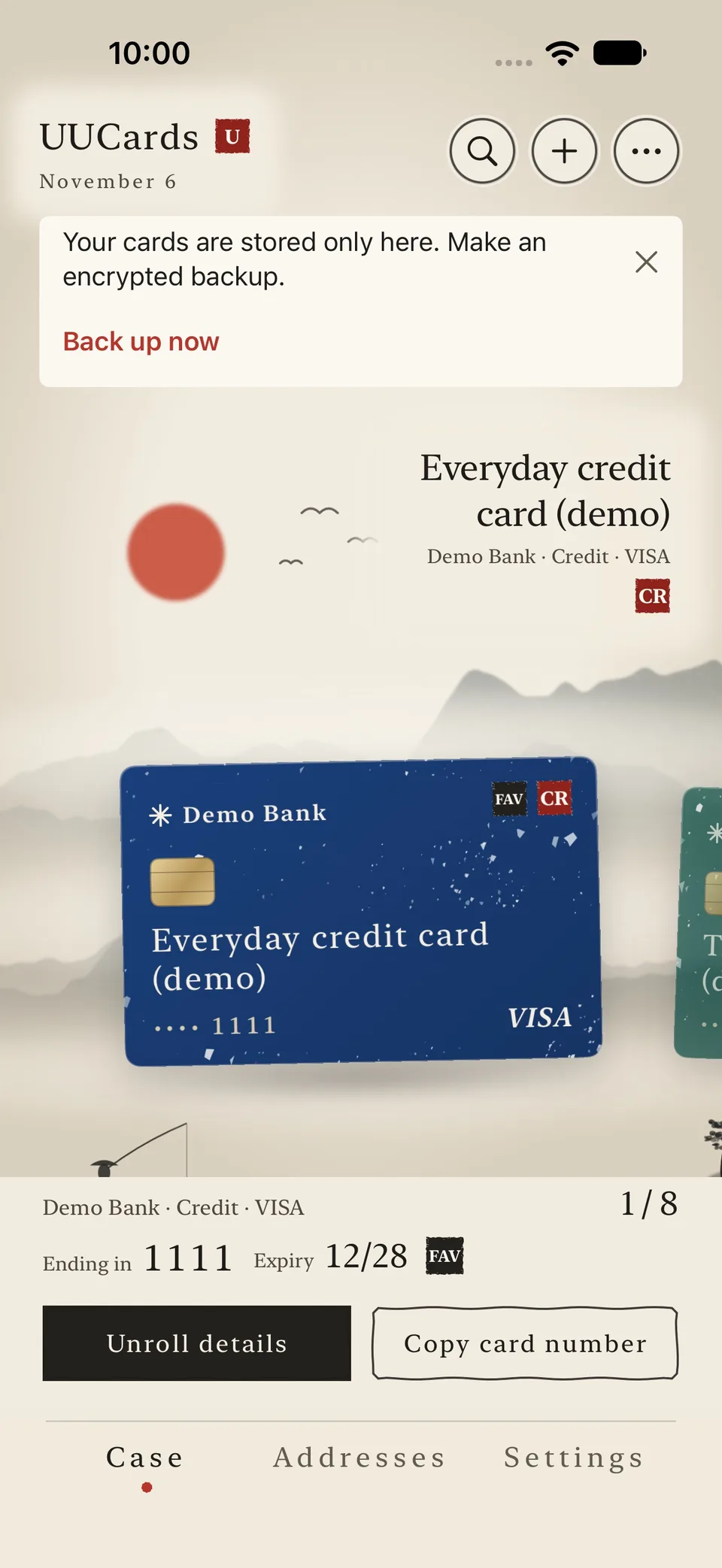
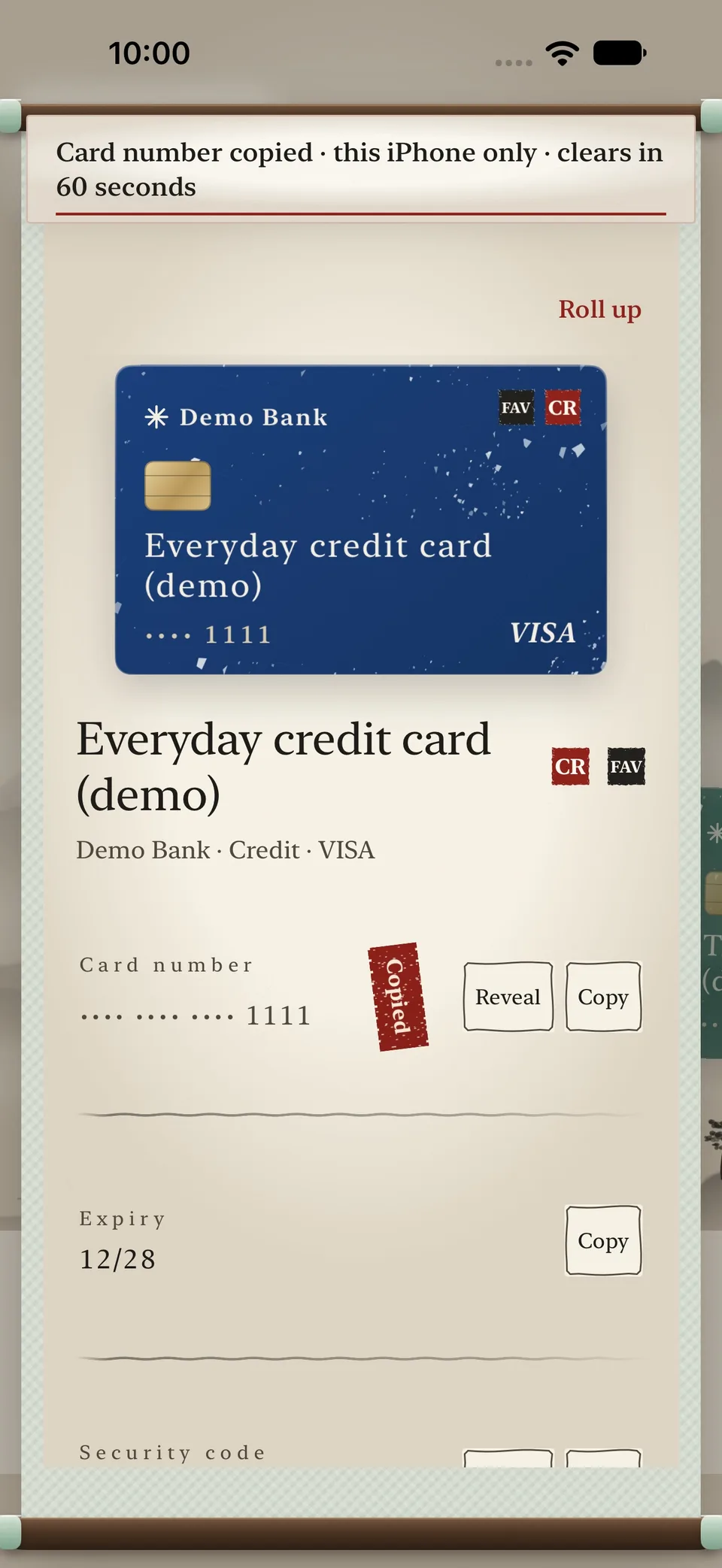
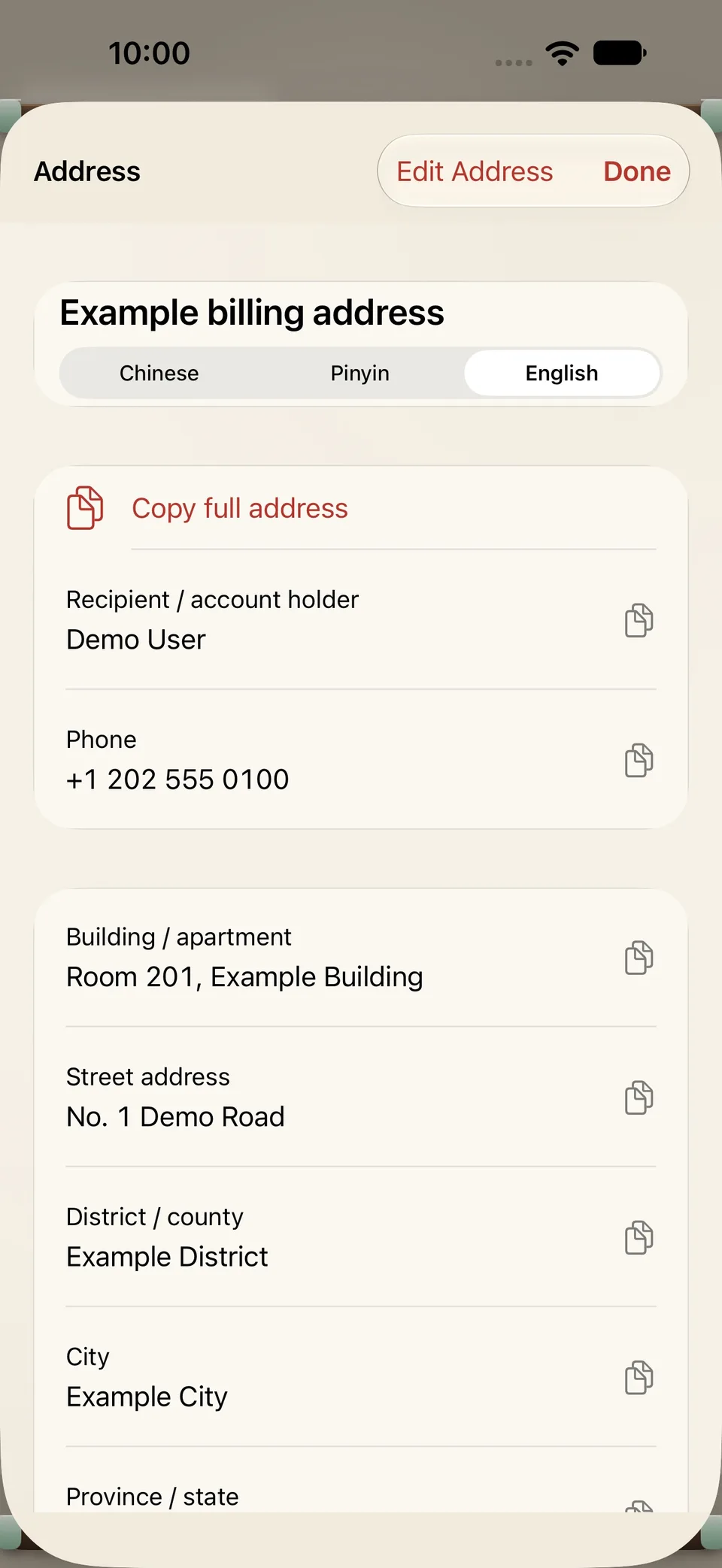
Actual app screens · Demo data · Ink theme
Features
Credit, debit, membership and other cards each get the right fields, from card numbers, expiry dates and security codes to billing addresses, bank and transfer details, and membership barcodes.
Sensitive fields stay masked until you authenticate. Copies stay on this device and expire after 30, 60 or 120 seconds, and sensitive details hide automatically during detected screen recording or mirroring.
Keep Chinese, pinyin and English versions of a billing address and copy the field each form asks for. Membership barcodes open full screen for scanning.
Your data lives in an encrypted vault on this device, outside iCloud backups, and the app never connects to the internet. When you change phones, export a backup encrypted with a password you choose.
Privacy
What UUCards handles, where it is stored, and which services it connects to—on one label.
Where data lives and who it talks to
Data handling
Questions
UUCards is free to download. Every feature and theme is included, there is no card limit, and there are no in-app purchases, subscriptions or ads.
No. UUCards has no networking features and no account. Your data is encrypted on your iPhone only; the developer cannot see it or recover it for you.
The vault can only be opened on this device, so iCloud backups and device-to-device transfers can't bring it along. Before you switch, export an encrypted backup from Settings → Backup & Restore and import it on your new iPhone. Keep the backup file and its password safe; a forgotten backup password cannot be recovered.
No. UUCards is a private, local notebook for your card details. It doesn't process payments or connect to any bank, and bank or card-network names only identify your cards.
Email support@uuthings.com with your app version, iPhone model and iOS version. Please never include card numbers, security codes, backup files or backup passwords.
More