One translation window
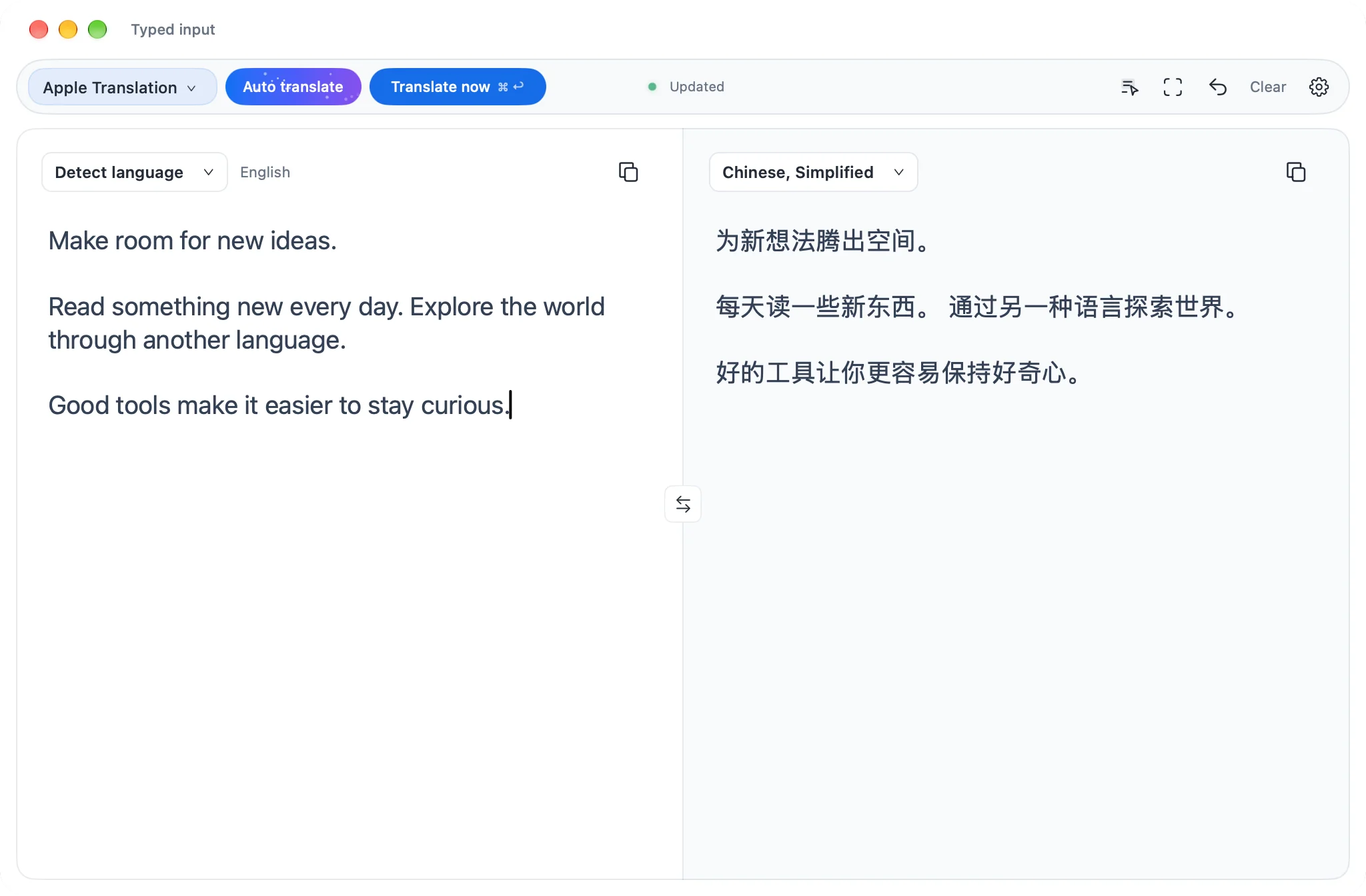
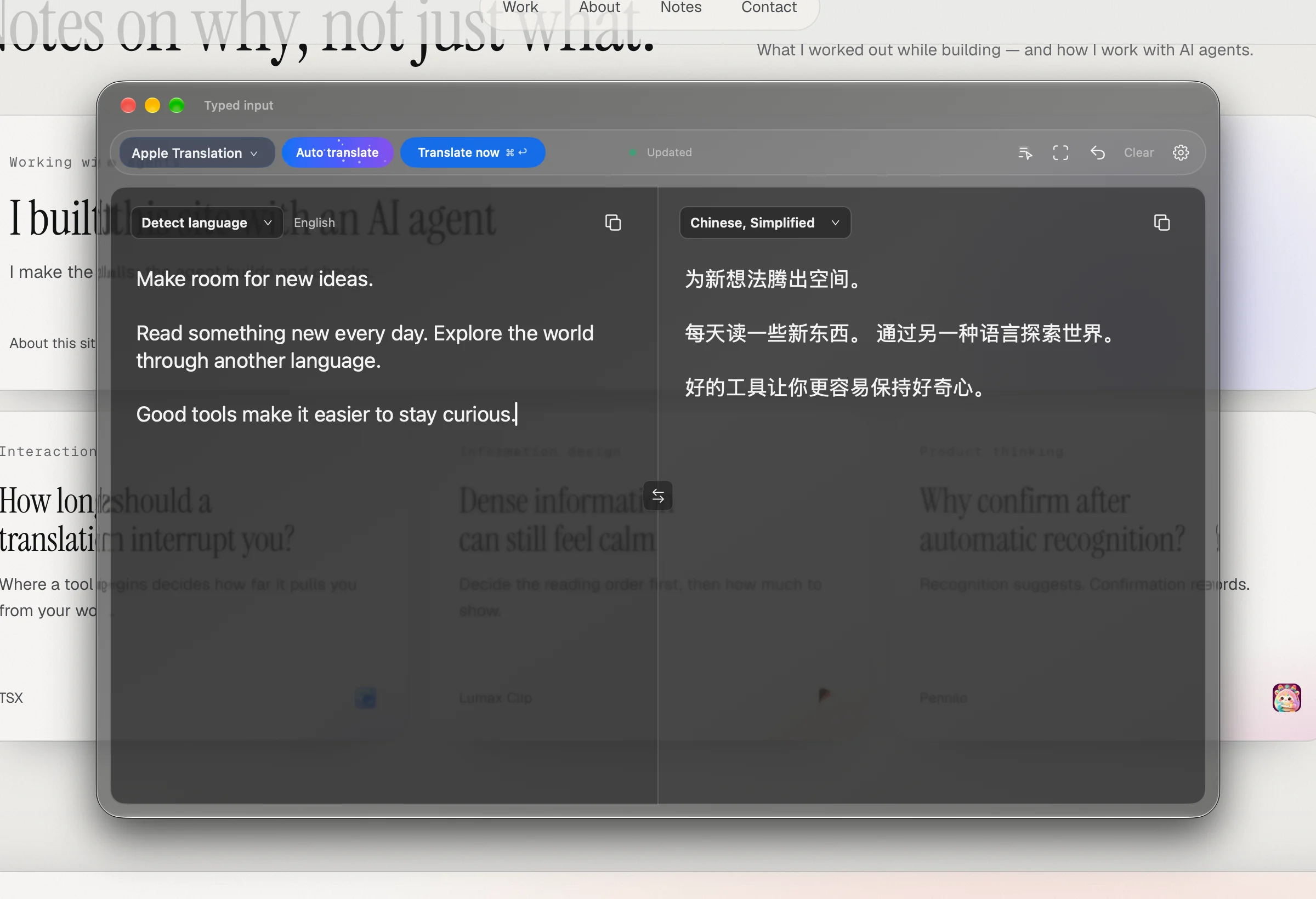
Typing and selected-text shortcuts share the main window. See where the text came from, restore the previous translation, or press Esc to return to the source app.
№ 01 · Translation
Translation, native to Mac. For the words you read, capture, and write. Free forever and open source under MIT; Apple translation is the default, and you can configure translation services with your own credentials.
Interface
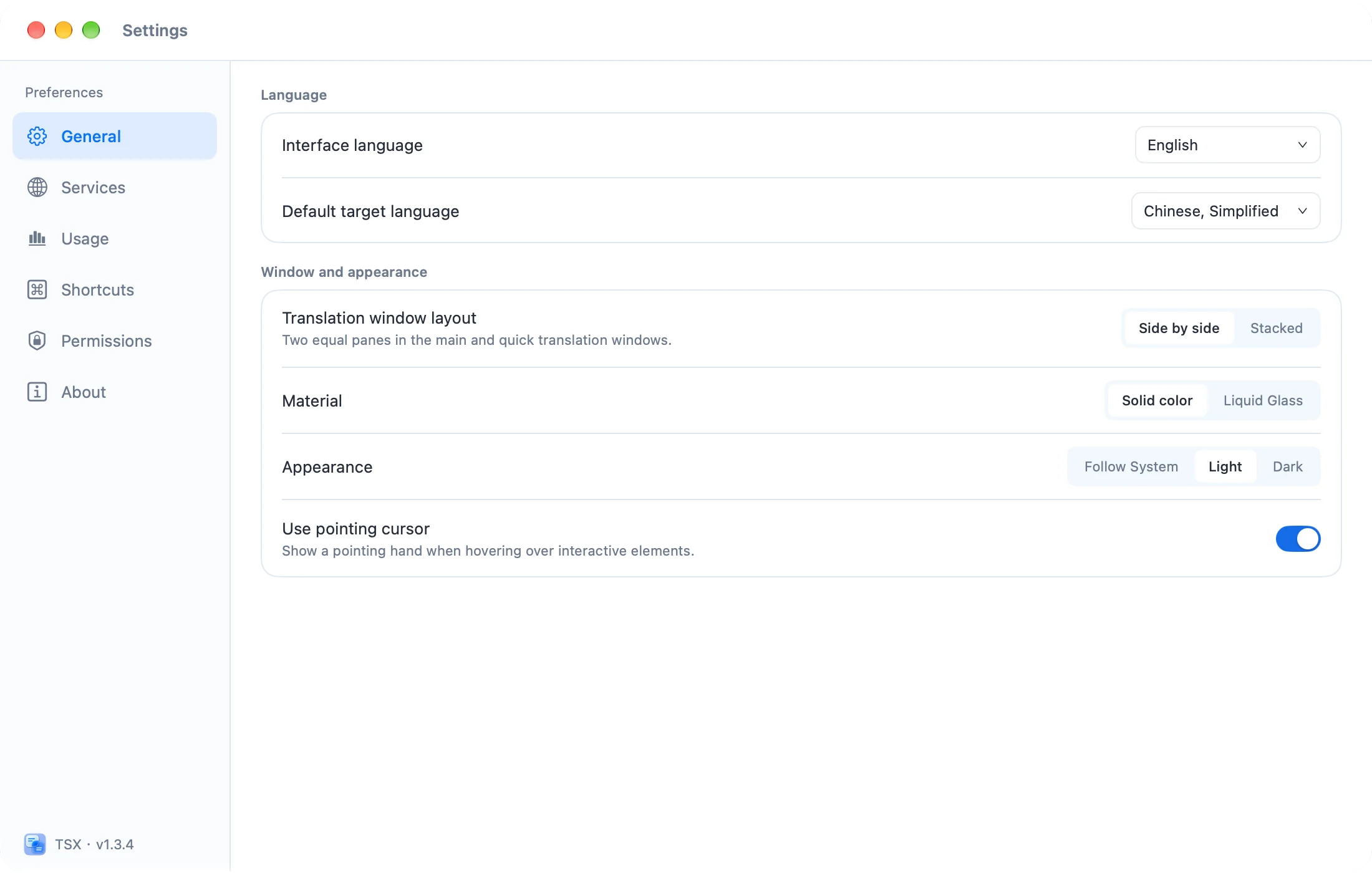
Actual captures of TSX 1.3.4 · demo text
Features
Typing and selected-text shortcuts share the main window. See where the text came from, restore the previous translation, or press Esc to return to the source app.
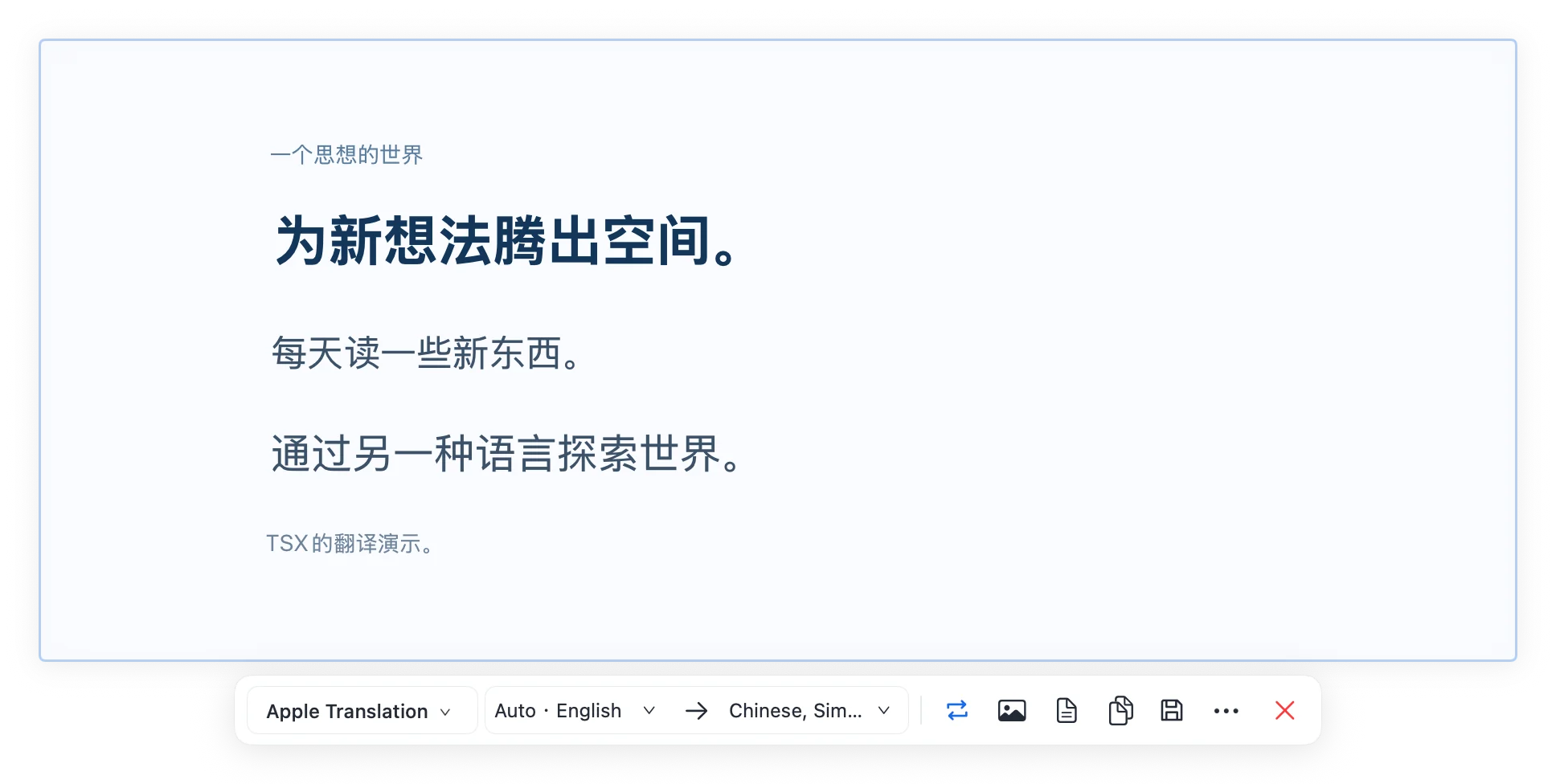
Capture an area and view the complete original or translated image near your selection. Compare, copy, save, or continue editing in the main window.
Type or edit in either pane. Adjust languages and keep working with the translation in front of you.
Start with Apple translation, or configure supported translation APIs and compatible models with your own credentials.
Privacy
What TSX handles, where it is stored, and which services it connects to—on one label.
Where data lives and who it talks to
Data handling
Connects to
Questions
Download the signed and notarized DMG from GitHub, then drag TSX into Applications.
TSX is free forever and open source under the MIT license. A translation provider you configure may charge separately.
More