Today, in context.
Move through the month, see the lunar date and solar terms, and keep important dates in view. Open Tempo from the menu bar and return to your work just as easily.
№ 03 · Menu bar calendar & time · Lumax line
A calendar, your plans, a few things to do, and the time somewhere else. Lumax Tempo brings them together in one quiet corner of your Mac.

Interface
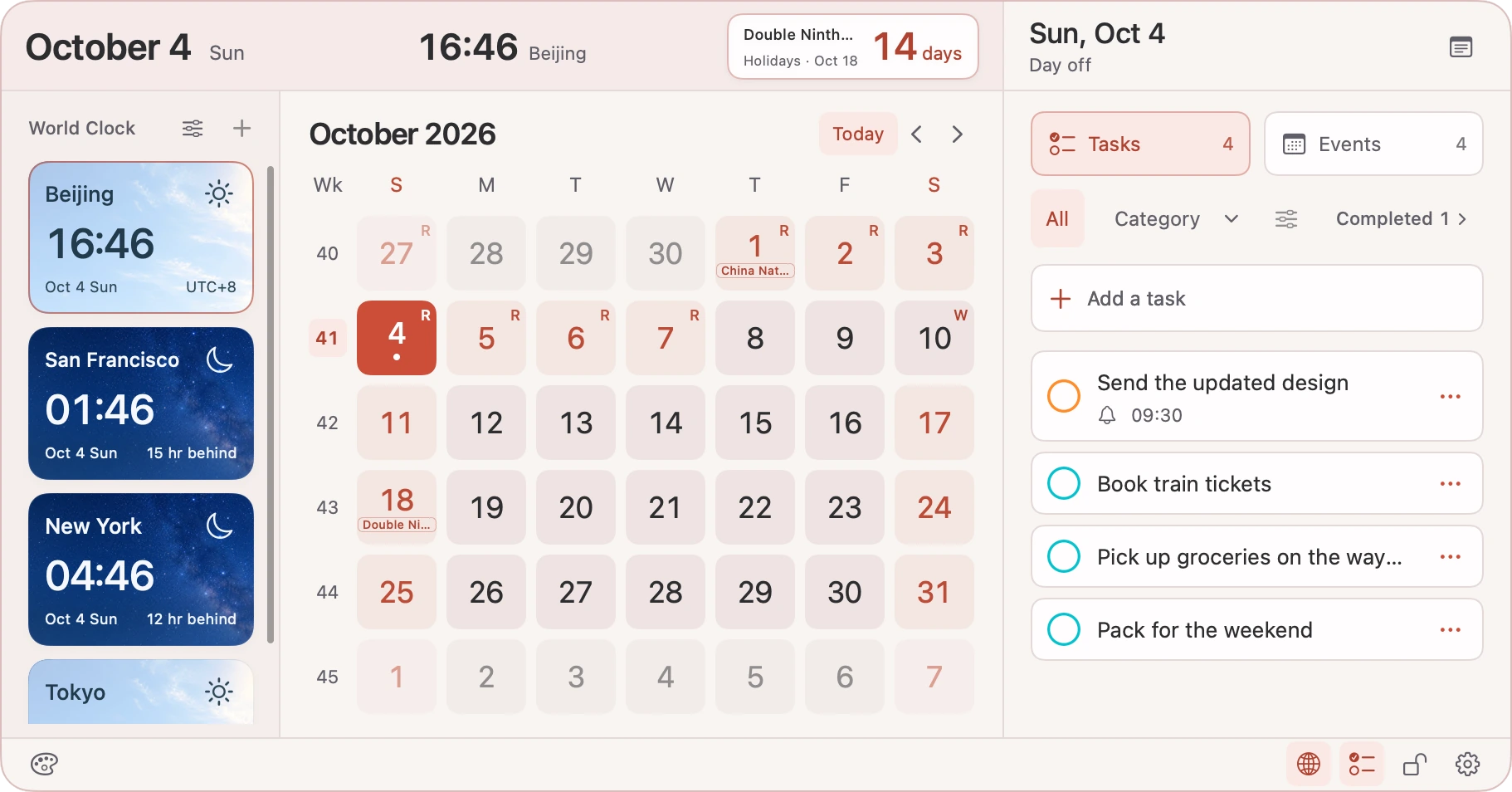
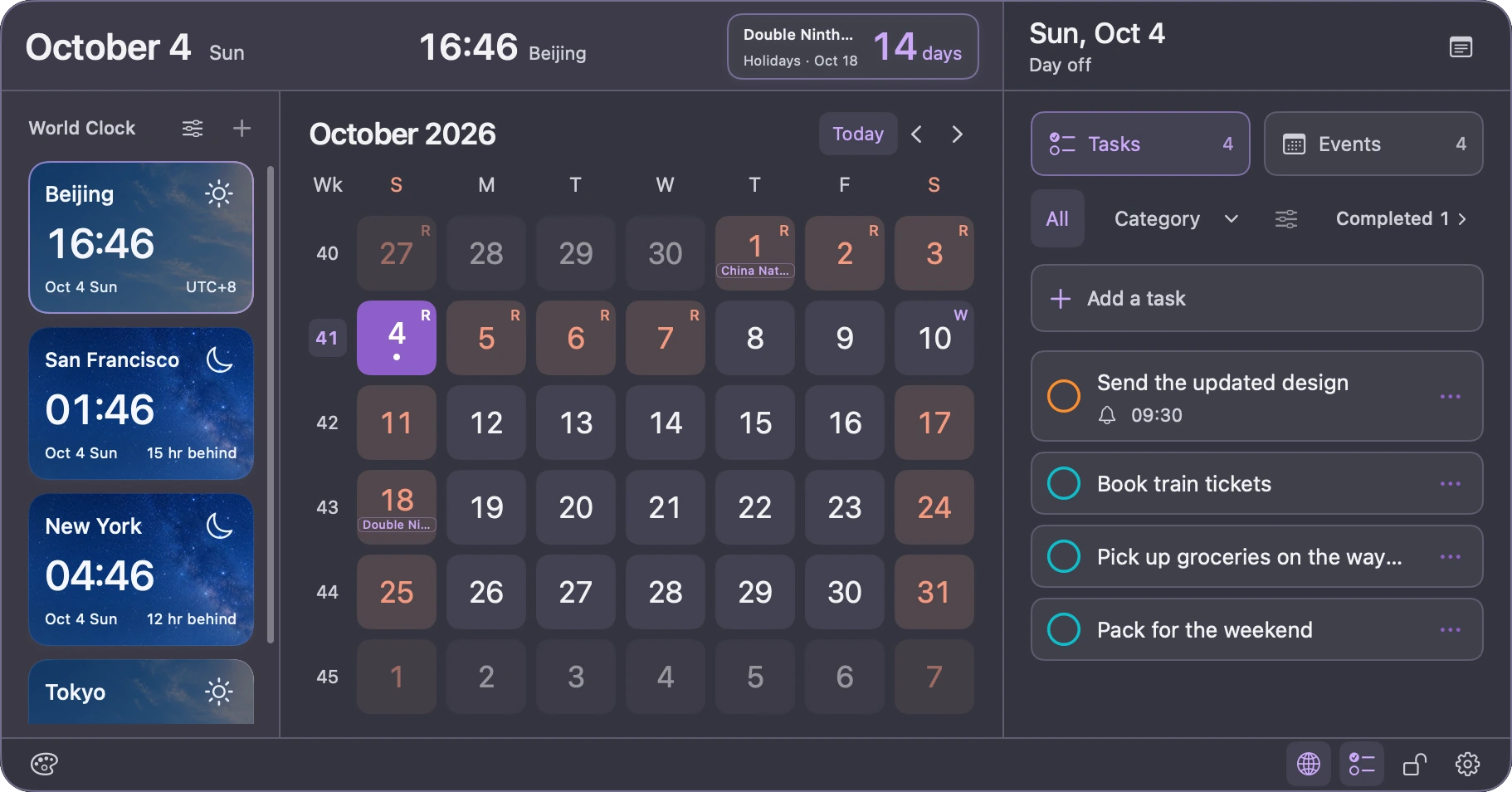
Actual app preview · Demo content · Includes Pro features
Features
Move through the month, see the lunar date and solar terms, and keep important dates in view. Open Tempo from the menu bar and return to your work just as easily.
Connect the calendars and reminder lists on your Mac with your permission. Create or edit events, check off a task, and let your system accounts handle any sync.
Turn a day, event, or reminder into a desktop note, or start with a blank one. Save important countdowns and decide what deserves a place in view.
See the local date and time in supported cities, with daylight and starry skies that make day and night easy to recognise. Pro keeps more cities together and previews another time. Sky images illustrate local time of day, not live weather.
Editions
Free
Calendar events stay fully available in Free.
US$1.99 (US price)
Room for more, repeat reminders, and personal touches—with a single purchase, never a subscription.
The daily limit counts reminders successfully created through Tempo on this Mac and resets on the next local calendar day. Apple shows the local price, currency, and applicable taxes before you confirm a purchase.
Privacy
What Lumax Tempo handles, where it is stored, and which services it connects to—on one label.
Where data lives and who it talks to
Data handling
Connects to
Questions
Lumax Tempo is available on the Mac App Store. The Free edition costs nothing, and Tempo Pro is an optional one-time in-app purchase. Downloads and purchases happen in the App Store, not on this website.
Tempo works with the calendars and reminder lists made available by macOS, subject to permission and each source’s read/write access. Tempo supports English and Simplified Chinese and requires macOS 14 or later. You can use the calendar, clocks and local notes without granting access to your events or reminders.
Yes. Lunar dates, traditional festivals, solar terms and holiday countdowns are included. Official public-holiday and adjusted-workday information currently covers mainland China in 2026; it is not a worldwide official holiday calendar. Check the relevant official announcement when making important plans.
Tempo Pro is a non-consumable in-app purchase handled by Apple. You can restore a valid purchase with the Apple Account used to buy it, without a UUThings account. Tempo Pro and Clip Pro are separate purchases. Refunds or revocations can remove Pro access; saved notes, countdowns and preferences are kept, with Free limits applied.
Use Feedback in Tempo’s settings to write a suggestion or report a problem, then continue in Mail. You can also contact support@uuthings.com. Please include the product name, app and macOS versions, and steps to reproduce the issue; remove personal information from attachments.
More